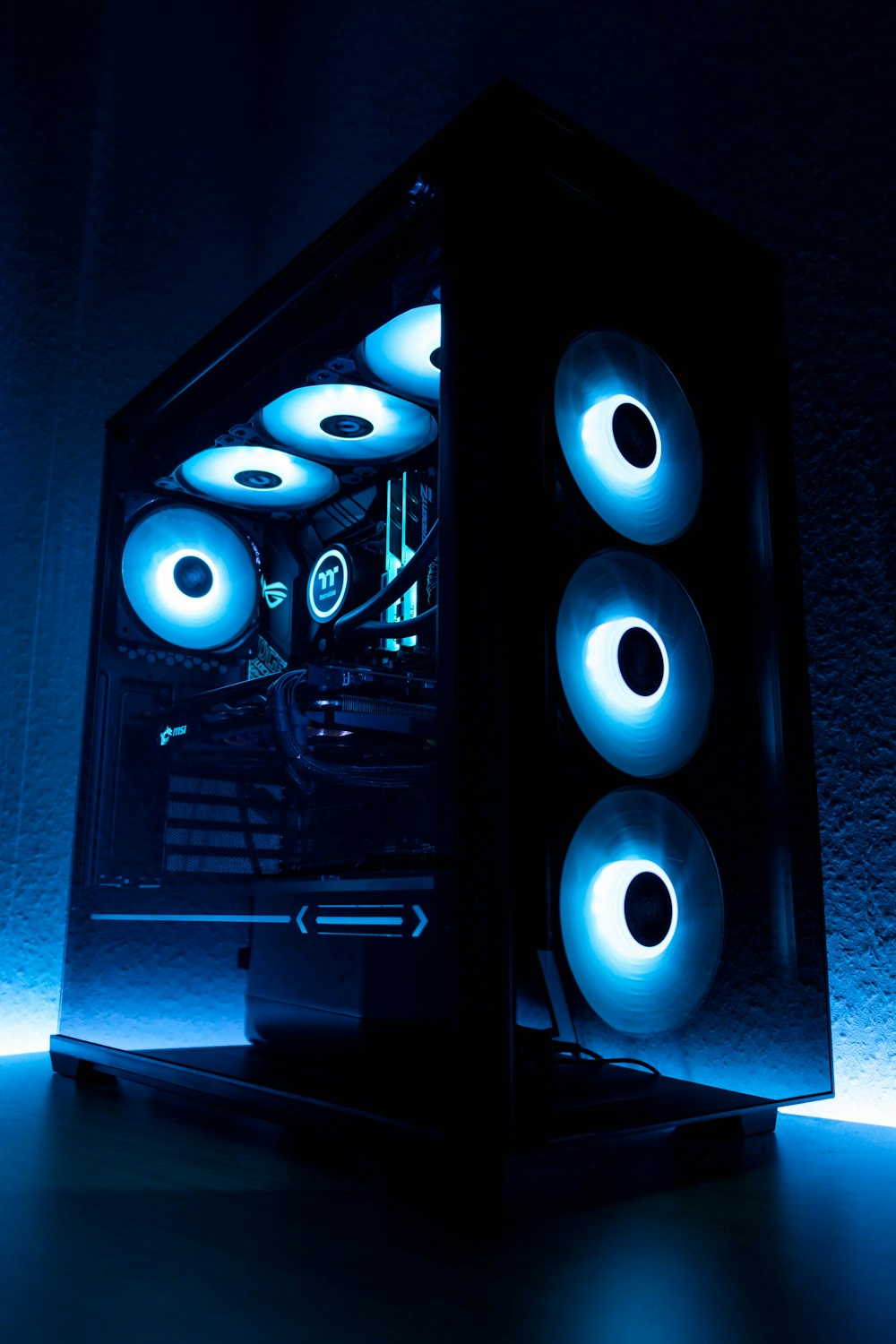
Optimizing your PC for gaming is not only about hardware. Software tools can significantly enhance FPS, reduce stuttering, and improve system stability. This guide explores the best software solutions for PC gaming optimization, including monitoring tools, performance boosters, and utility apps.
1. GPU and CPU Monitoring Tools
Monitoring your hardware is essential to identify bottlenecks:
- MSI Afterburner – Real-time GPU/CPU usage, temperatures, and frame-time graphs
- HWInfo64 – Detailed system telemetry including VRM, RAM, and fan speeds
- CPU-Z & GPU-Z – Lightweight tools for monitoring clock speeds, memory, and hardware specs
Regular monitoring helps identify issues such as thermal throttling or high CPU usage.
2. Game Optimization Software
Tools that automatically optimize game settings for your hardware:
- Razer Cortex – Boosts FPS by closing background processes and optimizing RAM usage
- NVIDIA GeForce Experience – Auto-optimizes game settings based on your GPU
- AMD Radeon Software – Similar optimization and monitoring tools for AMD GPUs
These tools provide beginner-friendly options to maximize FPS without manually adjusting every setting.
3. System Cleaning and Maintenance Tools
Maintaining a clean system reduces lag and improves responsiveness:
- CCleaner – Clears temporary files, registry errors, and frees disk space
- BleachBit – Open-source alternative for cleaning system junk
- Defraggler – Optimizes HDDs (not needed for SSDs)
A clean system ensures the CPU and storage are dedicated to gaming, not unnecessary tasks.
4. Memory and RAM Optimization
Tools that manage memory for smoother gaming:
- Razer Cortex Memory Booster – Frees up RAM for games
- Wise Memory Optimizer – Clears unused memory and caches
- CleanMem – Lightweight background process to maintain optimal RAM usage
Optimized memory reduces stutter and prevents FPS drops in large or open-world games.
5. Network Optimization Tools
For online gaming, latency and packet loss are critical:
- PingPlotter – Monitors ping, packet loss, and network stability
- Kill Ping – Routes game traffic through optimized servers to reduce lag
- NetLimiter – Controls bandwidth allocation for apps and games
A stable network ensures smooth online gameplay alongside high FPS.
6. Benchmarking and Stress Testing Software
Understanding your PC's limits helps with upgrades and optimization:
- 3DMark – Benchmark your GPU and CPU with gaming-focused tests
- Cinebench – Tests multi-core CPU performance
- Unigine Heaven/Valley – GPU benchmarking with realistic game-like scenarios
Benchmarking allows you to compare before/after performance and identify bottlenecks.
7. FPS Overlay and Frame-Time Tools
Smooth gameplay requires monitoring real FPS:
- MSI Afterburner overlay – FPS and frame-time monitoring in real time
- RTSS (Rivatuner Statistics Server) – Works with MSI Afterburner for detailed statistics
- CapFrameX – Records and analyzes frame times for micro-stutter detection
These tools help you ensure that FPS gains are consistent and gameplay is fluid.
8. Overclocking and Performance Tweaks
For advanced users, software can safely overclock hardware:
- MSI Afterburner – GPU clock and memory overclocking
- Intel XTU – CPU overclocking with real-time monitoring
- AMD Ryzen Master – Control CPU clocks, voltages, and memory speeds
Overclocking can boost FPS but must be done carefully to avoid thermal throttling or instability.
9. Case Studies
- Case 1: Using Razer Cortex + NVIDIA GeForce Experience – Increased FPS from 60 to 95 in Fortnite by closing background apps and optimizing settings
- Case 2: MSI Afterburner + Cinebench – Detected CPU bottleneck in Ryzen 5 3600; adjusting clock speeds and fan curves improved gaming stability and FPS
These real-world examples demonstrate the effectiveness of software optimization.
10. Recommended Software Package
For best results, consider combining:
- PC Optimization Software for automated tweaks
- MSI Afterburner + RTSS for monitoring
- Razer Cortex for RAM optimization and game boosting
- CCleaner or BleachBit for system maintenance
Combining monitoring, optimization, and maintenance tools provides the most consistent FPS and smooth gaming experience.
11. Conclusion
Software tools are a powerful, cost-effective way to improve gaming performance. By monitoring CPU/GPU, optimizing RAM and storage, controlling network traffic, and tweaking settings automatically, both beginners and advanced users can significantly enhance FPS and system responsiveness. Regular use of these tools ensures consistent performance across new and demanding games.